Ask Claude or ChatGPT for a speaker portrait, an Eventbrite cover or an announcement post. It reads sloai.org for the event, speakers, sponsors and brand, asks for what's missing, and gives you the file.
1
Open Claude or ChatGPT
Any chat that can read web pages. In ChatGPT, turn on search.
2
Paste a prompt
Pick one below, change the event, attach a photo if you have one. Always mention sloai.org.
3
Answer, then download
It asks only for what sloai.org doesn't have, then gives you the image, or a link that opens it ready to download.
0.1 / Speaker portraits
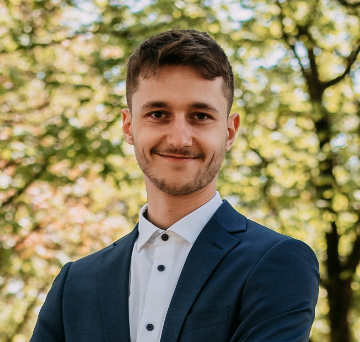
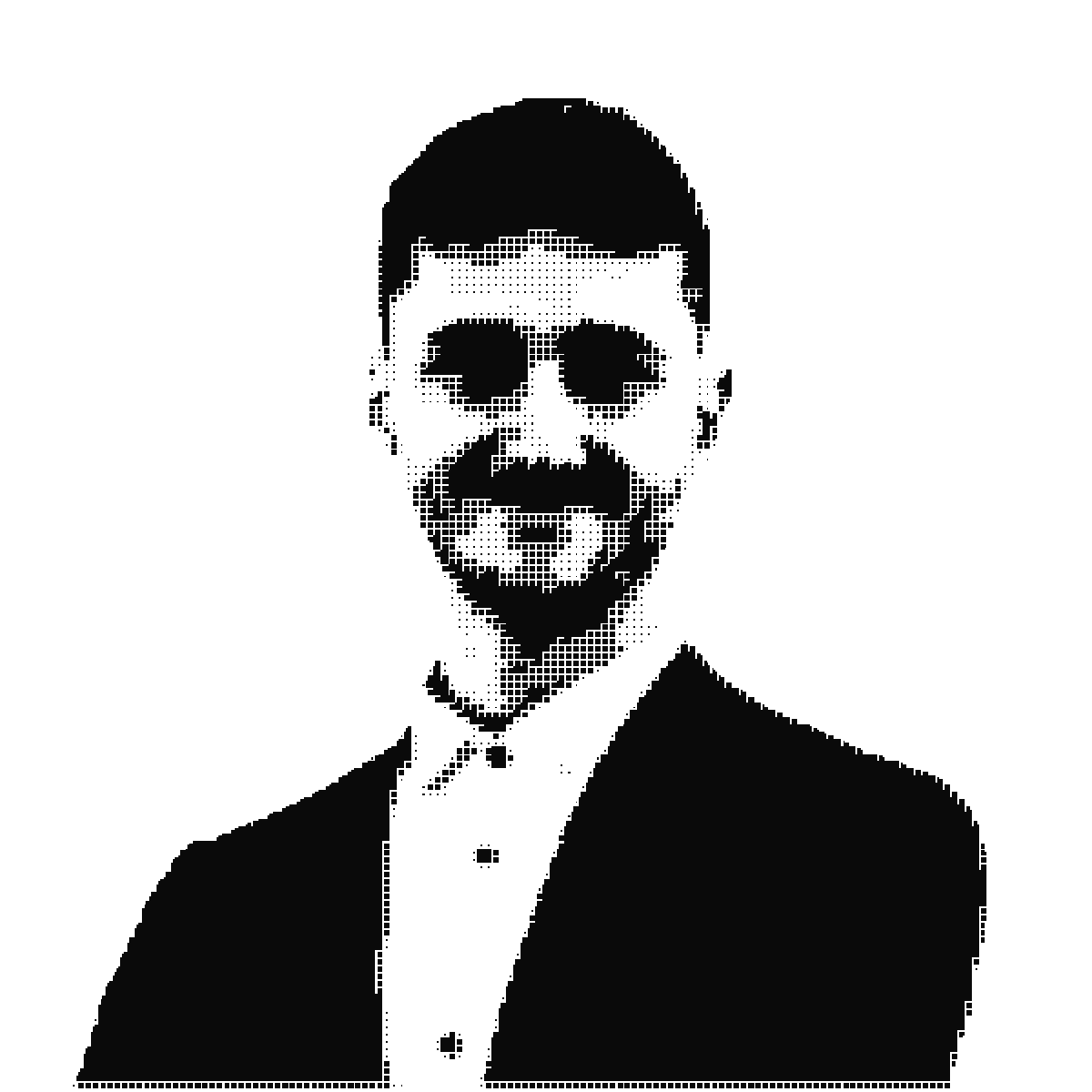
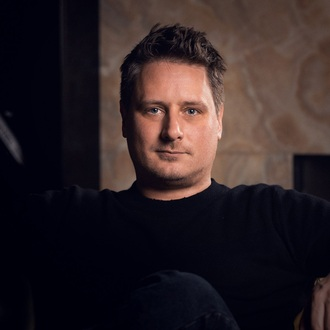
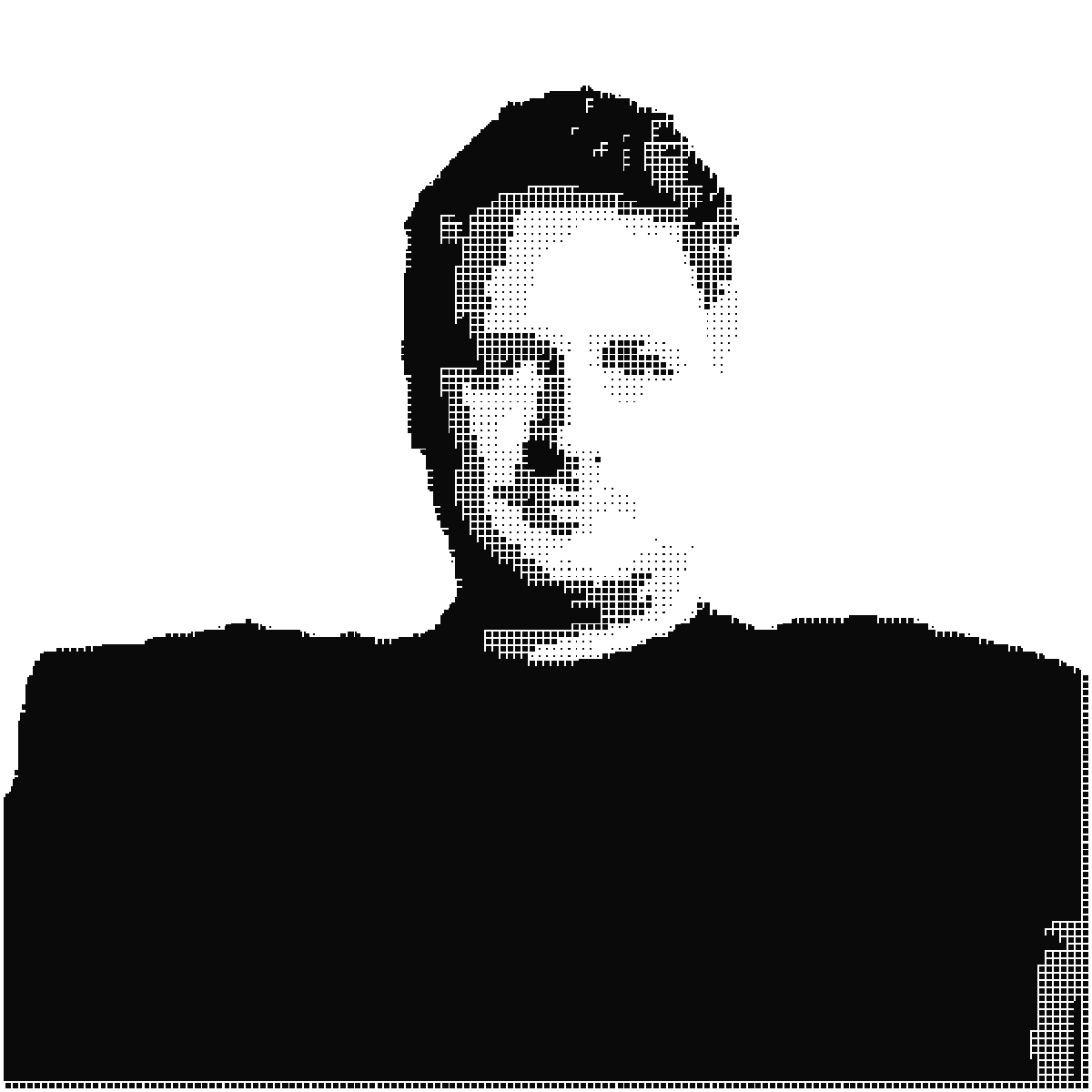
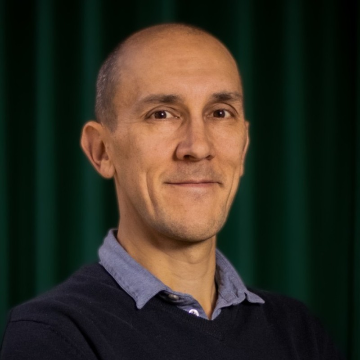
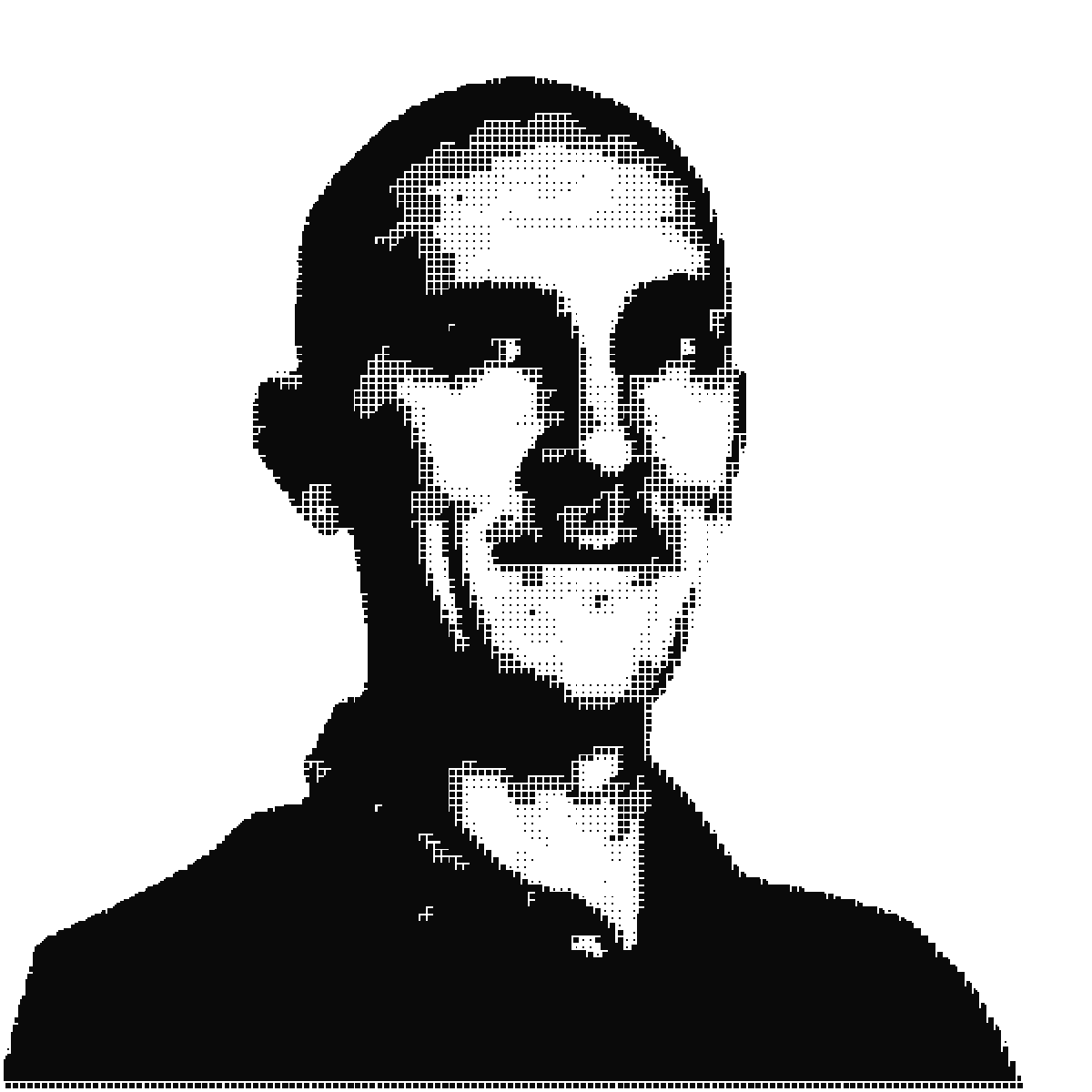
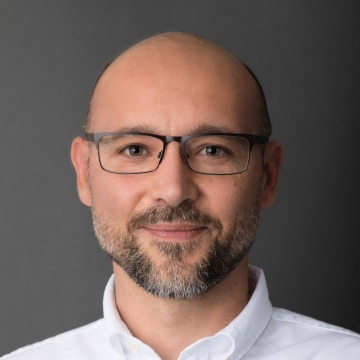
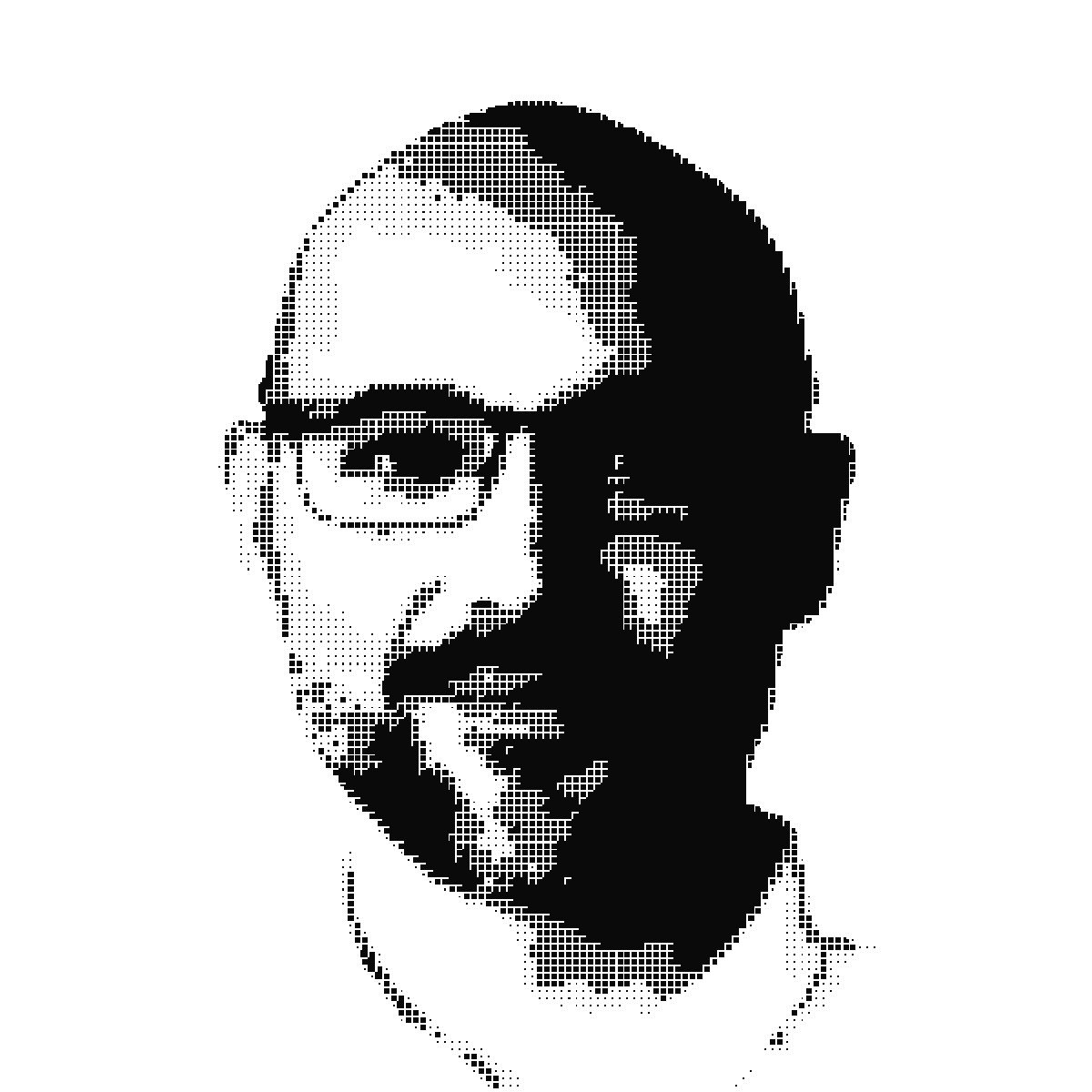
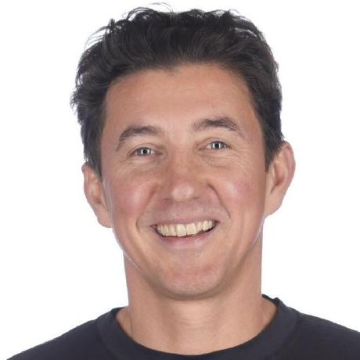
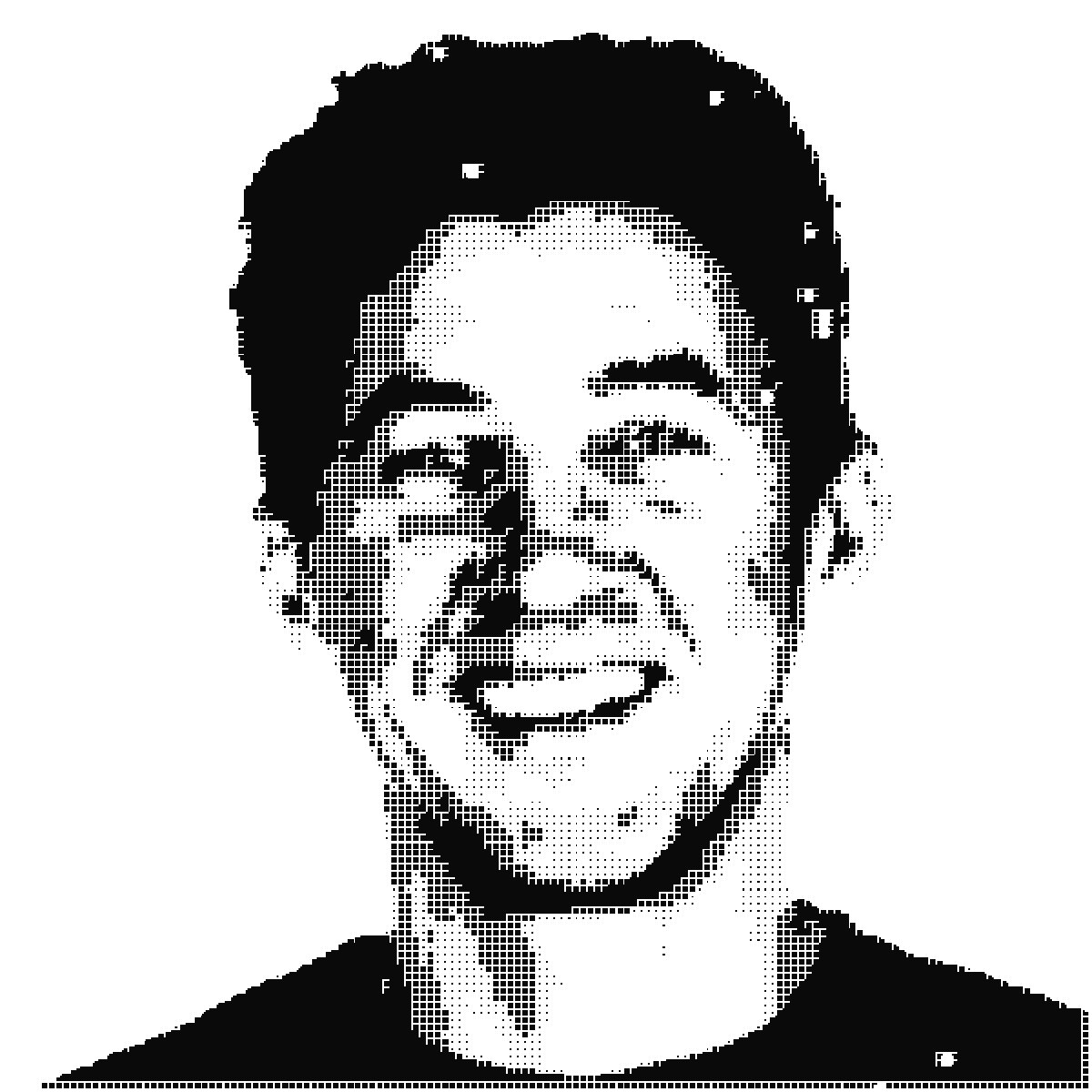
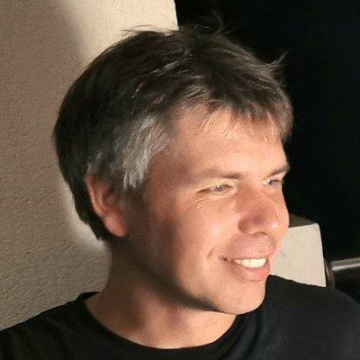
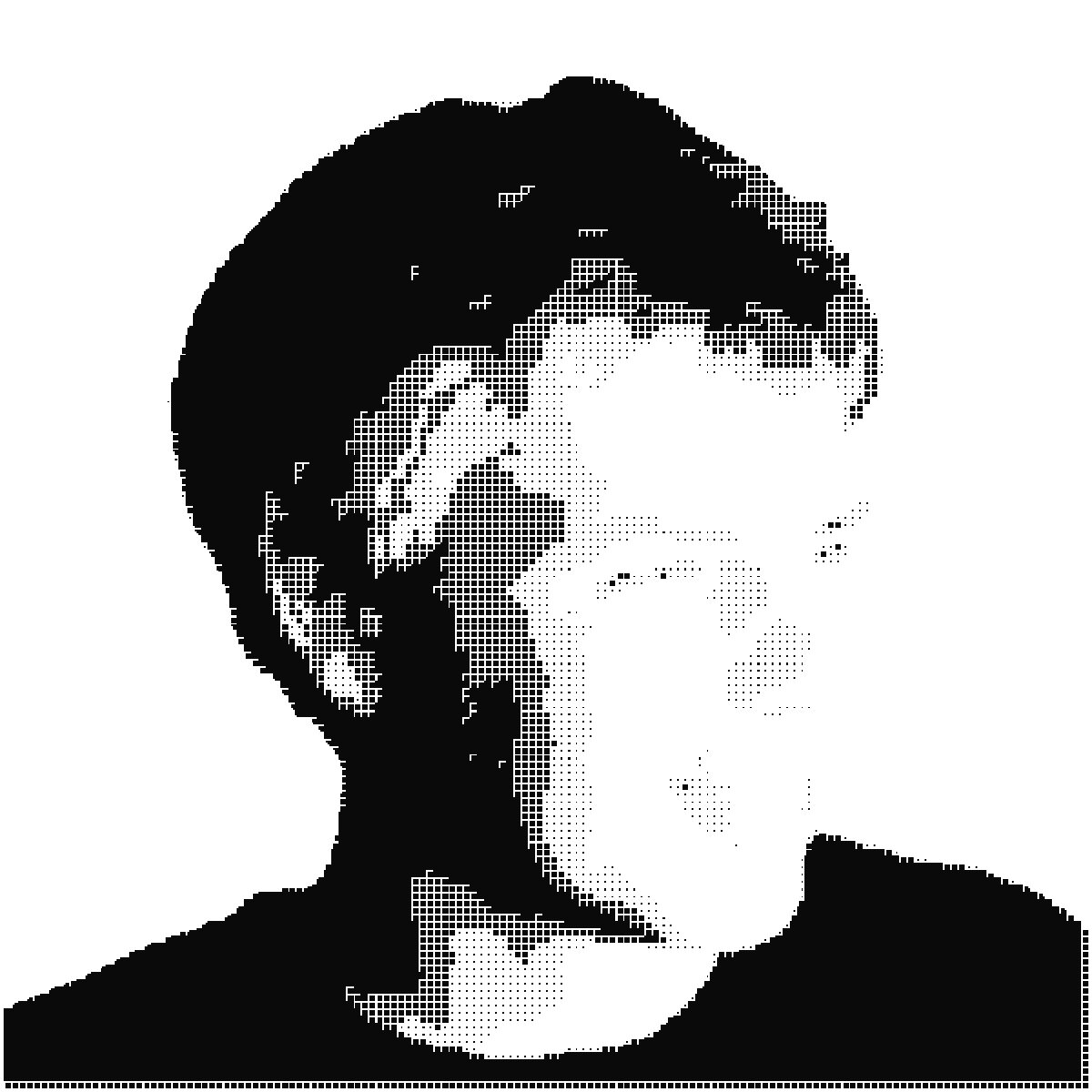
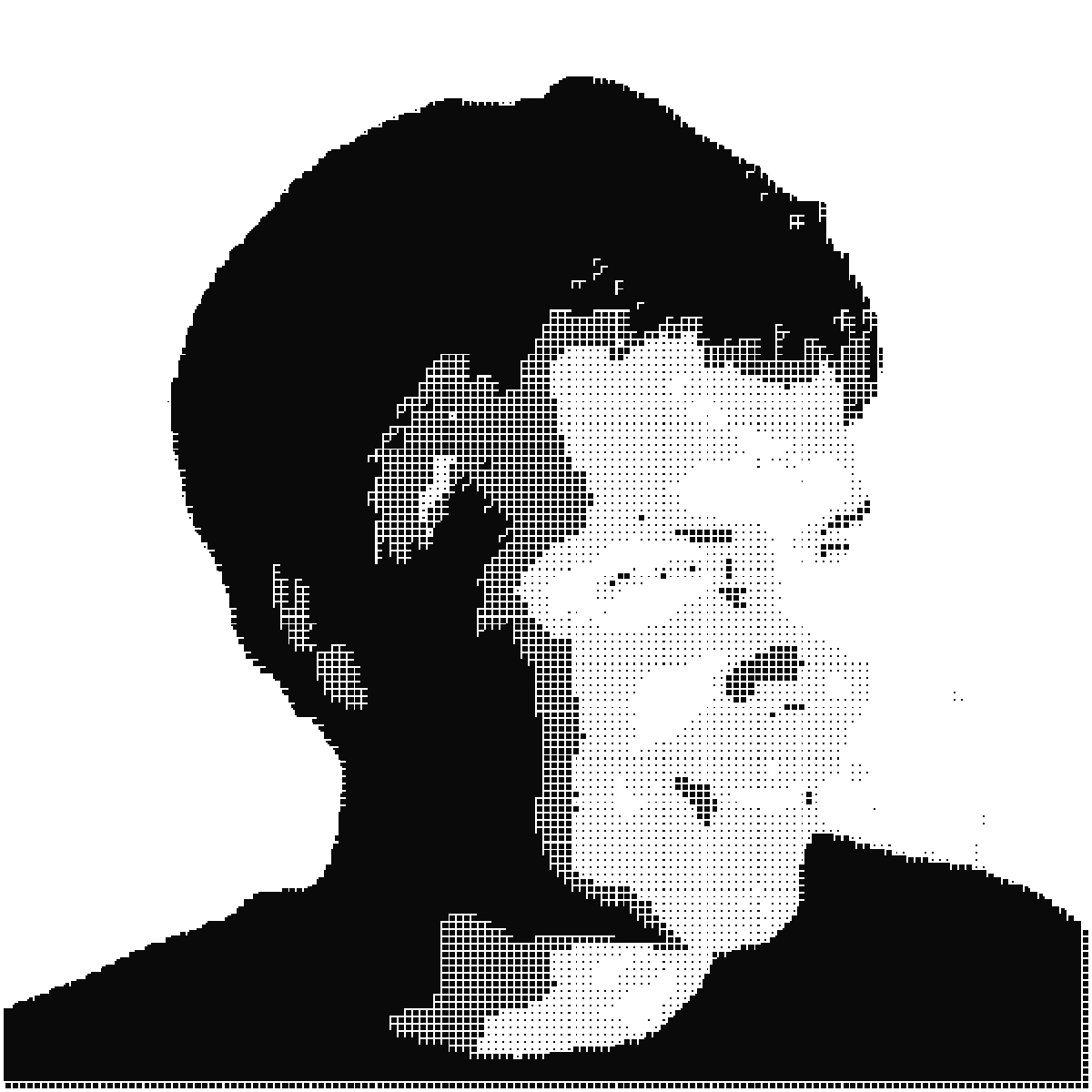
A photo of one person in, the SLOAI halftone out: background removed, ink dots on transparent, ready for slides, posters and social.
You type
Make a sloai.org-style speaker portrait from this photo. [attach the photo]
What it does
1.Reads the brand rules on sloai.org.
2.Removes the background and applies the brand halftone.
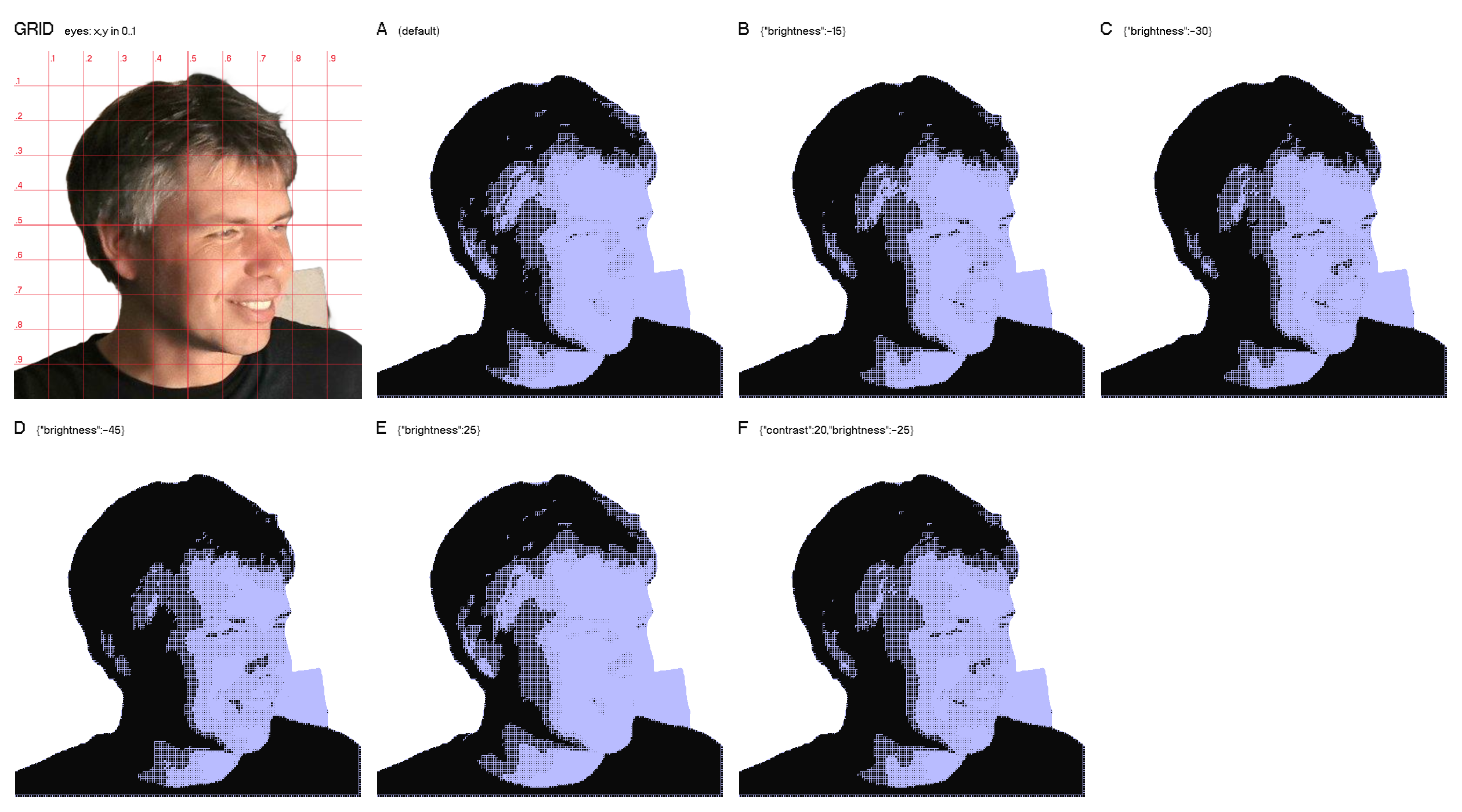
3.Looks at the result. If the face doesn't read, it asks for a sheet of variants, picks the best one, and can mark the eyes for a finer fix.
4.Sends you the PNG. Without the API key, it points you to sloai.org/brand/dither to drop the photo in.
Photo
Result
Frenk Dragar
Photo
Result
Matic Užmah
Photo
Result
Darko Bodnaruk
Photo
Result
Andrej Bratko
Photo
Result
Dušan Omerčević
Photo
First try
Fixed
Nejc Škoberne · face washed out on the first try, so it picked tile D, "brightness": -45, plus eye points read off the grid
What the agent looks at when a face doesn't read
One call returns the photo with a grid and six versions, each labelled with its settings. The agent picks the one where the eyes and features read, and can mark the eyes from the grid for an extra fix.
0.2 / Eventbrite covers
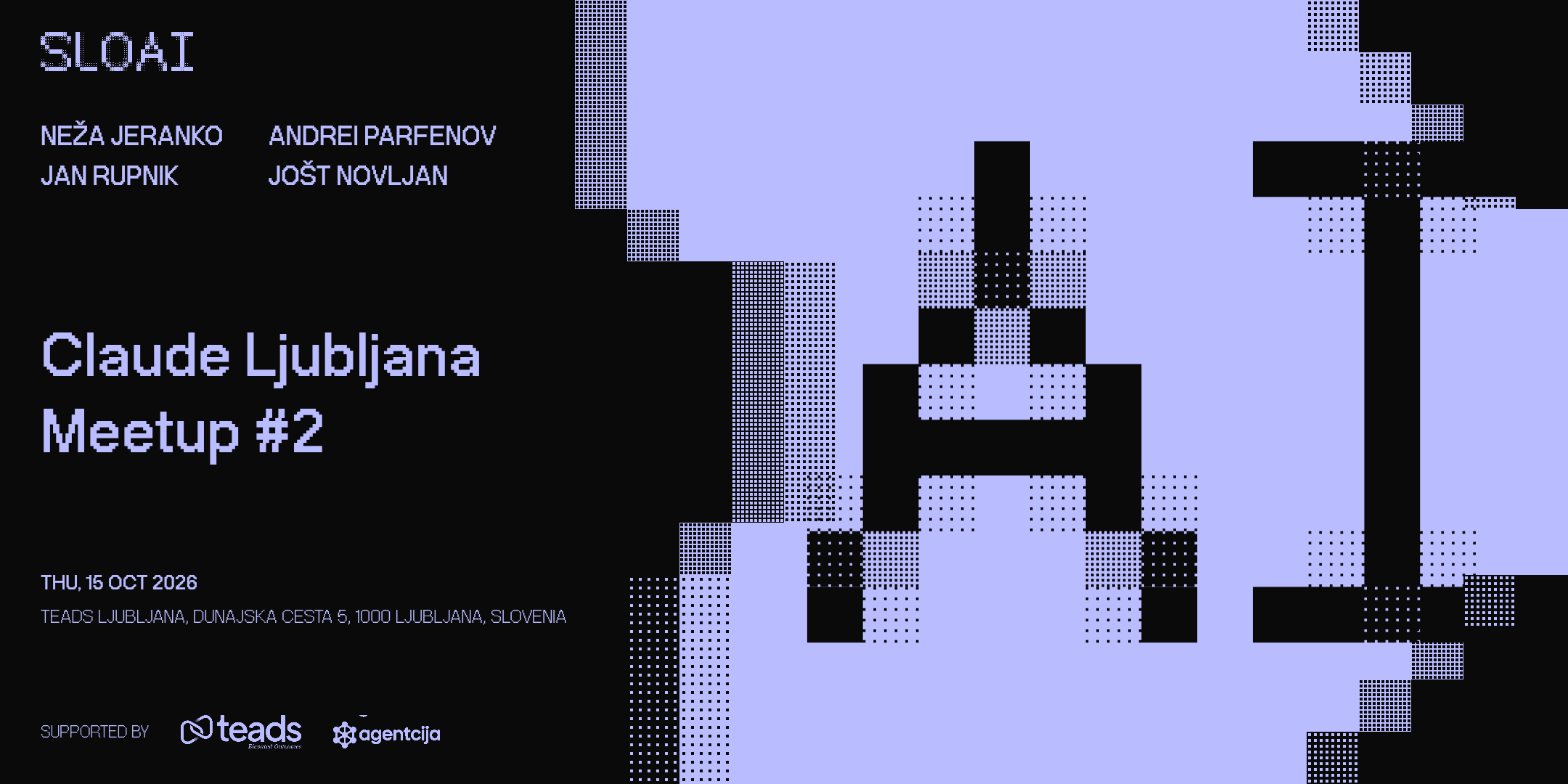
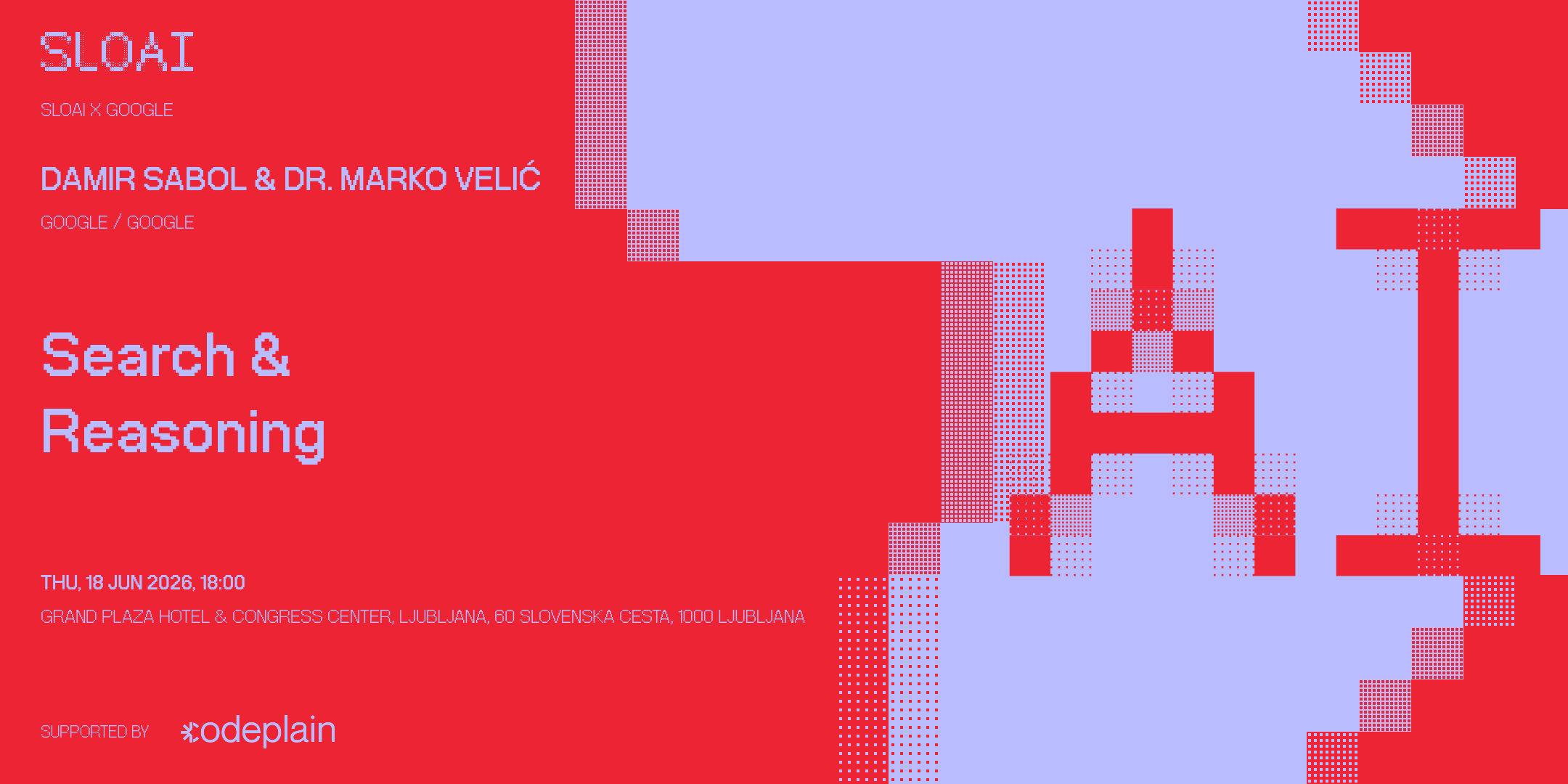
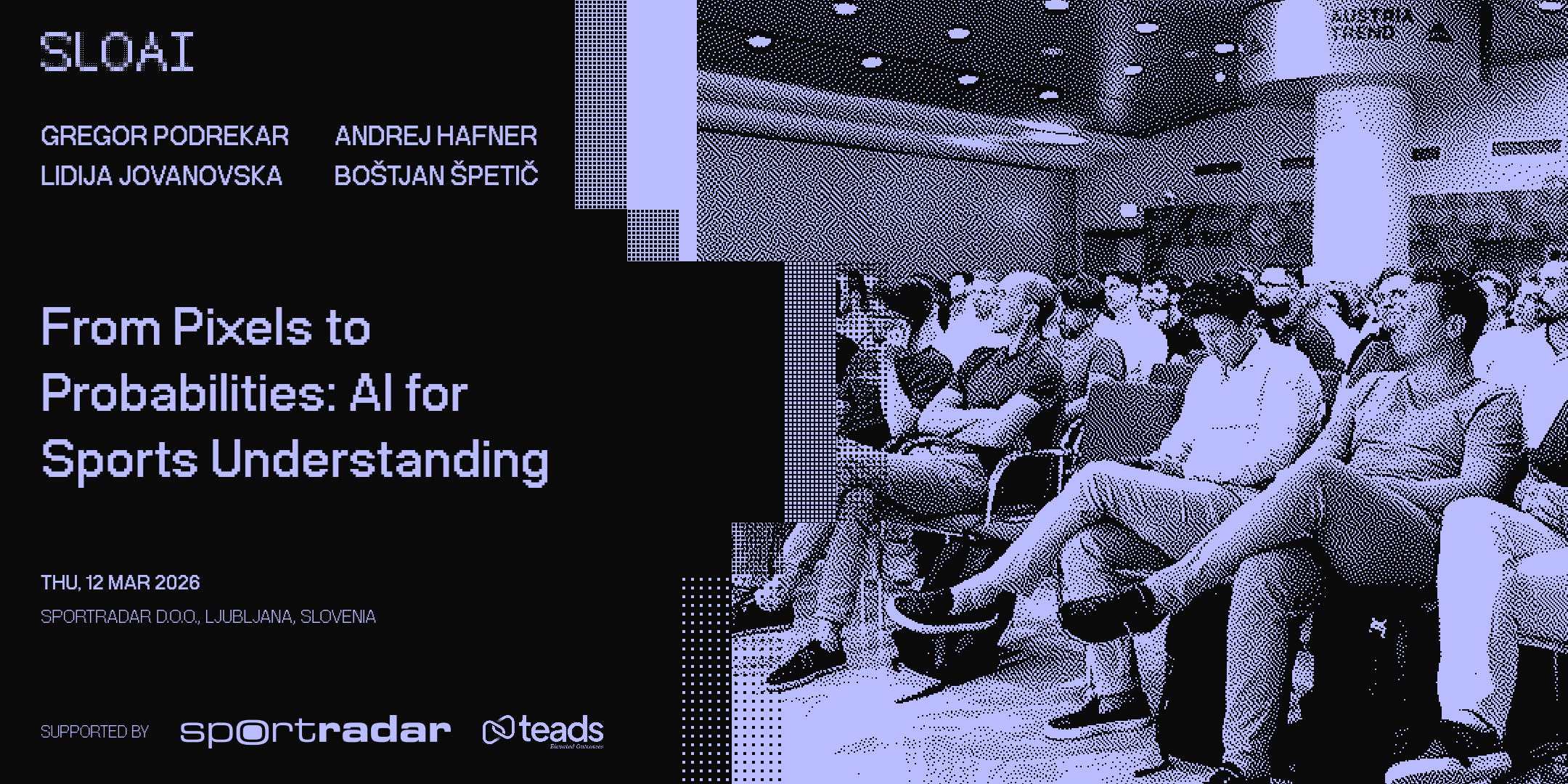
The 2:1 cover for the event page. Title, date, venue, speakers and sponsor logos come from the event on sloai.org.
You type
Make the Eventbrite cover for the next Claude Ljubljana meetup from sloai.org.
What it does
1.Finds the event on sloai.org: title, date, venue, speakers, sponsors.
2.Asks only what's missing: the start time, and a speaker photo if you want one.
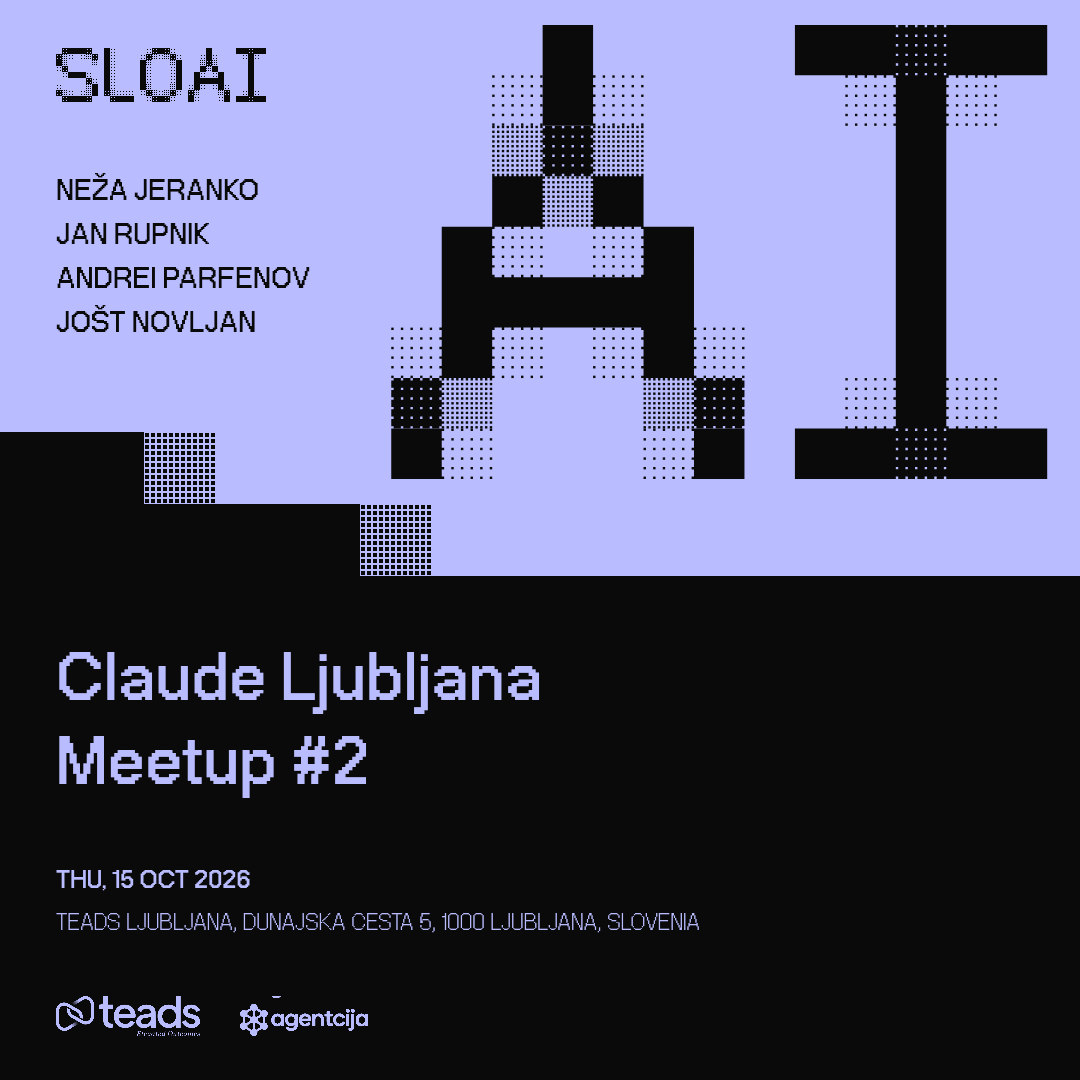
3.Makes the cover. One to three speakers get bios; four to six become a list. No photo shows the big SLOAI “AI”.
4.Checks that nobody's face is hidden behind the text, then sends the PNG or an editor link.
Claude Ljubljana Meetup #2: four speakers, no photo
Jure Leskovec, photo with the background removed
Two speakers with bios, red
Four speakers and a photo of the room
0.3 / Announcements
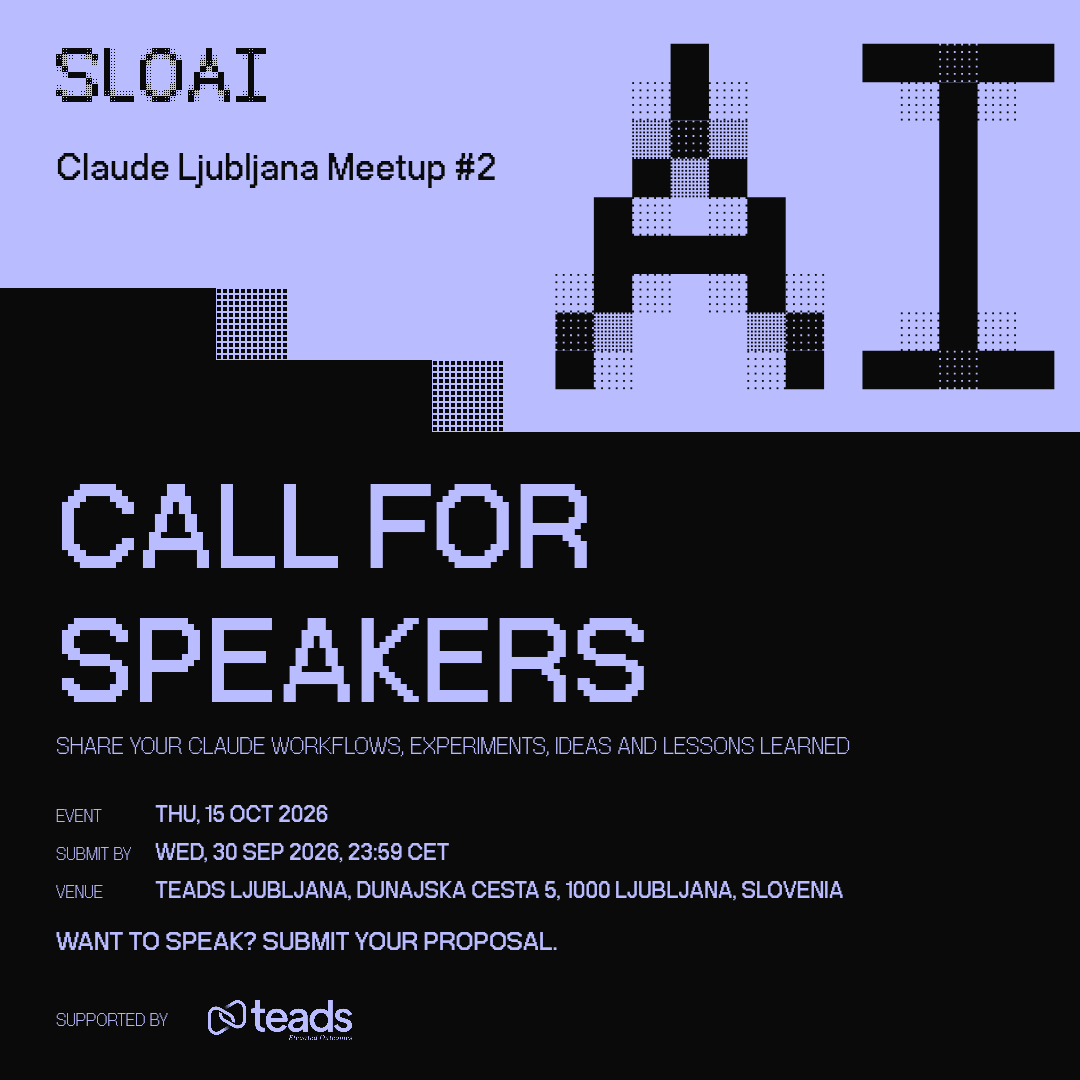
Square and 4:5 posts for LinkedIn, Instagram and Facebook: a call for speakers, the line-up, a single talk.
You type
Using sloai.org, make a LinkedIn post announcing the call for speakers for the next Claude Ljubljana meetup.
What it does
1.Finds the event on sloai.org.
2.Asks when submissions close and what talks you're after. The application link goes in the post's comments, not on the image.
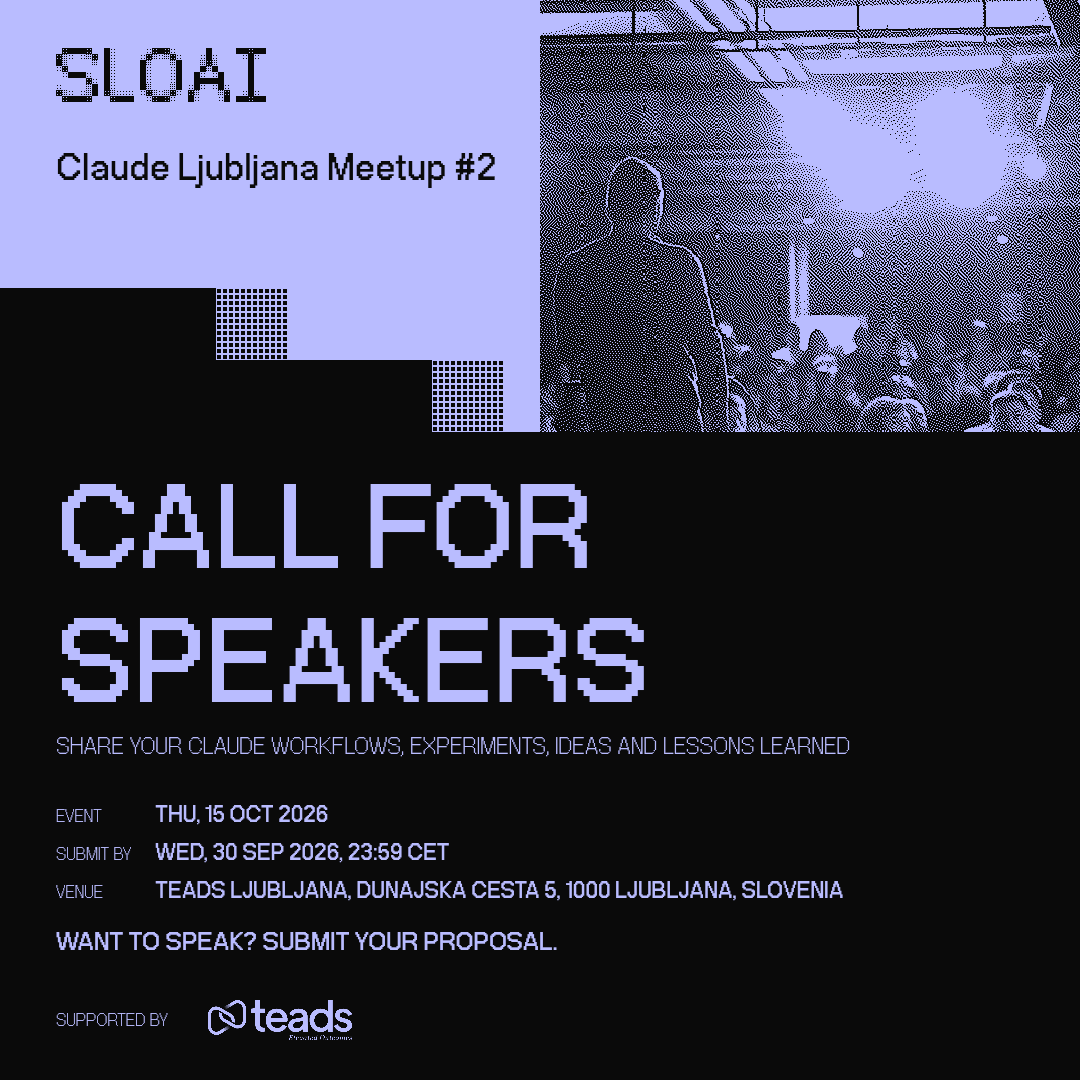
3.Uses your photo if you send one: a room or crowd stays whole, one person or thing gets cut out. No photo is fine.
4.Sends the square PNG, or a link to the editor where you can switch to 4:5 or the other sizes.
Call for speakers, no photo
Call for speakers with a photo of the venue
Speaker line-up, square
Talk announcement, 4:5, red
0.4 / Host slides
The 16:9 deck you run the evening from: title, host, speakers in order with their photos, partners, next events, memberships. PPTX for Keynote or PowerPoint, PDF from the editor.
You type
Using sloai.org, make the host slides for the next Claude Ljubljana meetup. Ask me for anything you need.
What it does
1.Finds the event on sloai.org: title, date, venue, the speakers in order, the host.
2.Walks you through what's missing, one question at a time: start time, each speaker's talk title, bio and photo.
3.In a hurry? Say “just make it”. It leaves out what you don't have (no host slide, no photos) and tells you what to add later.
4.Gives you the PPTX, or a link that opens the deck in the editor with every photo already dithered.
Speakers get a “Speaker 2 of 4” heading so the room knows who's next, and a blank slide after each one for their own deck. Partner logos, the Discord QR, next events and the membership QR come from sloai.org.
Good to know
It won't make things up.Dates, venues, speakers and sponsors come from sloai.org or from you. If something's missing, it asks.
Sponsors are partners on sloai.org. Their real logos are used. Someone new? Add them as a partner in Notion first.
The link opens the editor. Change anything there, pick another size under More sizes, then download.
Have the brand API key? Give it to the agent and it sends the files directly instead of editor links.